.png)
.png)

.png)


Calling and Texting Inside Microsoft Teams
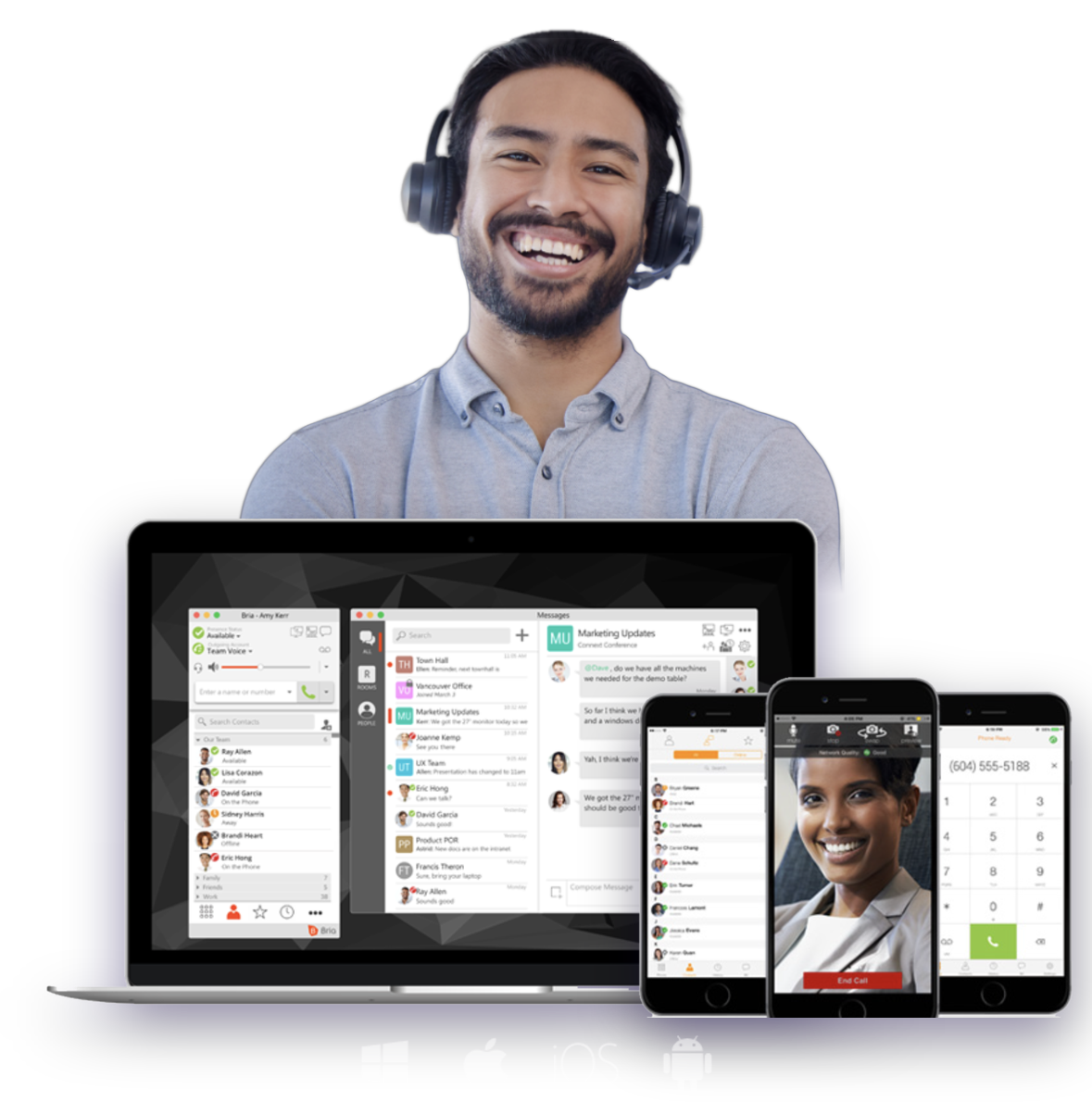
Turn Microsoft Teams into your business phone system with Mobex. Call and text customers using your business number, right inside Teams.
Direct Routing
Operator Connect
From customizable features to unmatched scalability
Our solutions are crafted to enhance the efficiency of your operations and significantly reduce your communication costs.
True Mobility & Flexibility
With Mobex, your team can work from anywhere without missing a call or message. Whether in the office, at home, or on the go, everyone stays connected through Microsoft Teams with full calling and texting capabilities.
01All Your Conversations. One Connected Platform.
02Keep Your Number. Unlock More Possibilities.
03Compliance Built Into Every Conversation
04Meet Customers on the Channels They Actually Use
.png)
01 / 04
All Your Conversations. One Connected Platform.
Bring calling and messaging together in one seamless communications experience—so your team can connect, collaborate, and respond without jumping between platforms.
.png)
02 / 04
Keep Your Number. Unlock More Possibilities.
One business number, more ways to connect. Make calls, send texts, and engage with customers on WhatsApp—all without changing the number they already know.
.png)
03 / 04
Compliance Built Into Every Conversation
Keep every conversation secure, accountable, and compliant. With privacy and regulatory requirements built into the experience, your communications stay ready for the demands of modern business.
04 / 04
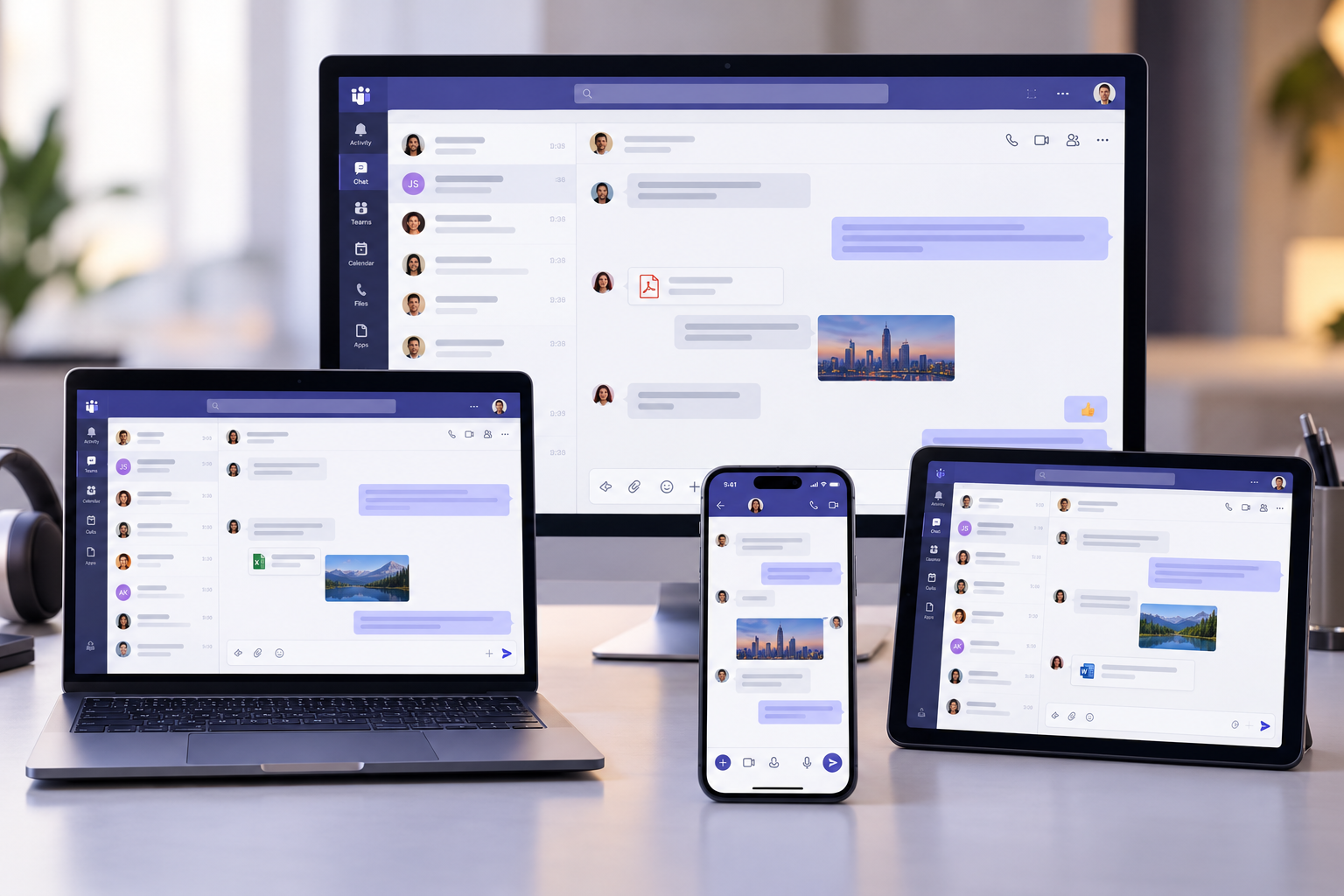
Meet Customers on the Channels They Actually Use
From the office to the road, give your teams the freedom to communicate wherever business takes them—and let customers connect through the channels they already use.
Why Choose Us?
01
A Partner, Not Just a Provider.
Get more than a telecom service. Our hands-on approach means real people, responsive support, and a team invested in helping your business communicate better.
02
Built for the Long Run.
Reliable communications are the foundation of a reliable business. We focus on stability, consistency, and relationships that grow with you—not quick fixes or short-term solutions.
03
Better Communications. Sensibly Priced.
Powerful business communications shouldn’t come with an inflated price tag. Get the features and flexibility you need, without paying for what you don’t.
04
Freedom Without the Fine Print.
No long-term contracts. No unnecessary commitments. Just flexible communications that work around your business—not the other way around.
Send and Receive Business Texts Directly in Microsoft Teams
Mobex brings full SMS and MMS capabilities to Teams — including group texts, shared numbers, and message archiving — all from the same business number your team uses for calling.
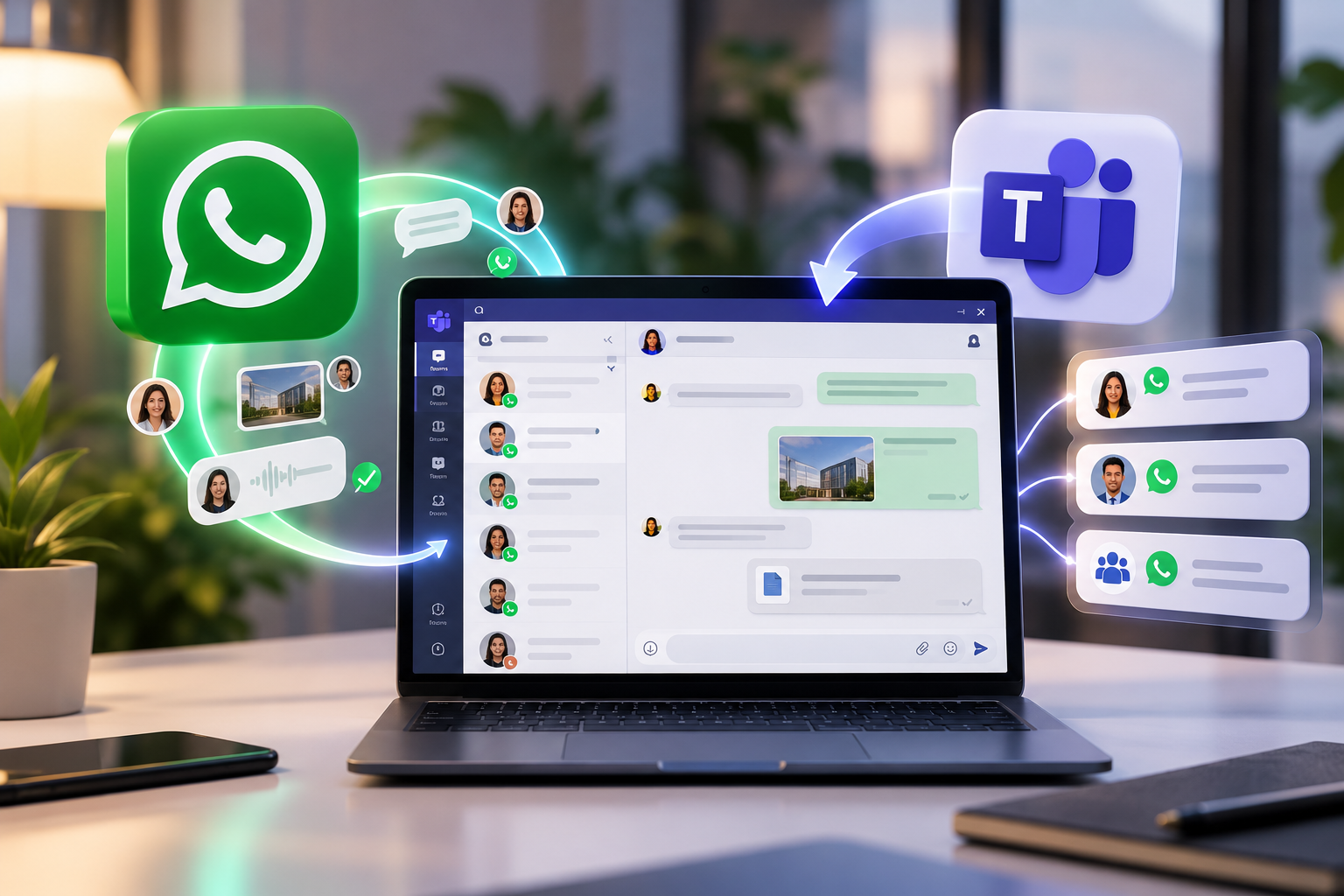
Whatsapp Texting
Integration of WhatsApp to your Teams system to manage client and team conversations. Keep business messages organized, secure, and compliant under one platform.
Real SMS Inside Teams
Send and receive texts, including images and files, directly from the Teams interface your team already uses. No extra apps needed.
Shared Numbers and Group Messaging
Assign one number to a team or department so multiple users can manage conversations. Use group texts or send messages to many contacts at once.
Message Logging and Compliance
Keep a full record of all text conversations for accountability. Messages are archived and accessible to meet business or industry requirements.
Whatsapp Texting
Integration of WhatsApp to your Teams system to manage client and team conversations. Keep business messages organized, secure, and compliant under one platform.
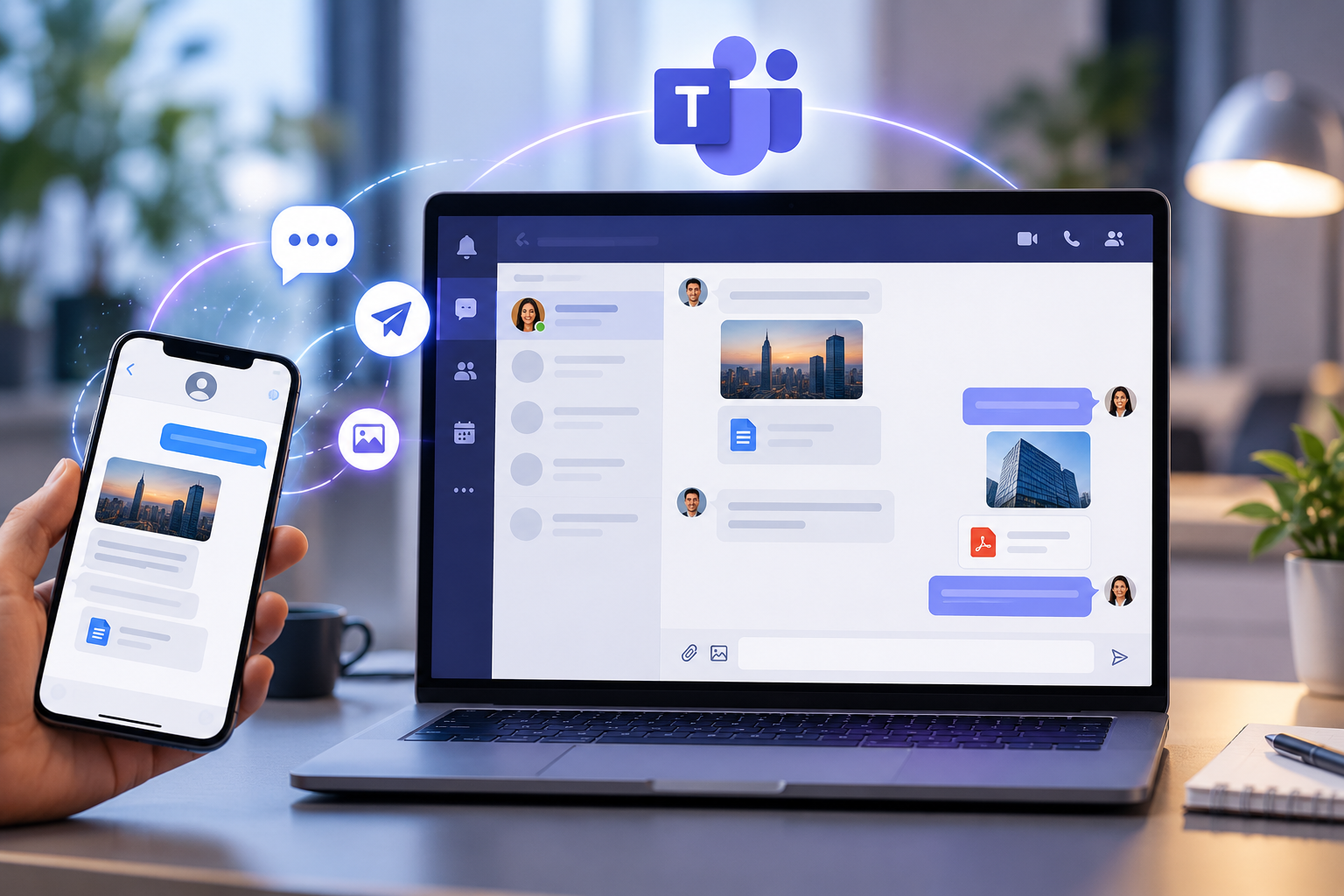
Real SMS Inside Teams
Send and receive texts, including images and files, directly from the Teams interface your team already uses. No extra apps needed.
Shared Numbers and Group Messaging
Assign one number to a team or department so multiple users can manage conversations. Use group texts or send messages to many contacts at once.

Message Logging and Compliance
Keep a full record of all text conversations for accountability. Messages are archived and accessible to meet business or industry requirements.



Mobex for Teams
Mobex for Teams adds calling and texting to your MS Teams app. Send and receive calls as well as texting with your own unique number. Mobex for Teams also adds full PBX functionality and can replace or integrate with existing phone systems.
Work from anywhere.
Whether you're looking to enhance your current system or replace it entirely, Mobex offers the flexibility and features your business needs to thrive.
Let’s Get StartedFrequently Asked Questions
Do I need a WhatsApp Business account to use Mobex?
Is Mobex's WhatsApp integration GDPR compliant for US businesses?
Can multiple team members handle WhatsApp conversations through Mobex?
Related Articles
Join Mobex and
work without limits.
Speak to our team to explore the solution that’s right for your business.
Let's get started